
Blank South Carolina County Map
Preview the outline, customize available layers and download print-ready formats.
FREE DOWNLOADS · PRINTABLE MAP COLLECTION Choose a map style and export scalable SVG or high-resolution PNG, or print to PDF. Legacy geography: This U.S. state outline and its county boundaries come from an older dataset of unverified vintage. They may not represent current official boundaries. Validate current data with the U.S. Census Bureau before publication or official use. Color countries individually where detailed polygons are available, zoom in or out, drag to pan, and export your personalized map. Open editor to load this map. Bundled legacy Basemap UScounties geometry. Current status unverified. Check authoritative Census data.South Carolina Map Designer
Interactive Map Editor
What the county outline shows
The bundled reference layer for South Carolina contains 46 county or county-equivalent entries in its legacy, unverified dataset. That is a dataset feature count, not a verified current Census administrative count. Some city and county boundaries overlap, while unincorporated areas lie outside municipal limits. County maps must state the record year and jurisdiction definition.
County names to practice labeling
Use the outline to locate these entries in the reference list, then cross-check the latest boundaries if you need modern administrative facts:
| County / equivalent (legacy) | Five-digit dataset FIPS |
|---|---|
| Abbeville | 45001 |
| Aiken | 45003 |
| Allendale | 45005 |
| Anderson | 45007 |
| Bamberg | 45009 |
The South Carolina legacy state code is 45; the state abbreviation is SC. In five-digit county GEOIDs, the first two digits normally designate the state and the final three represent the county-equivalent identifier. Verify historical changes against Census datasets for the chosen year.
Choose a printable map style
- Outline: Use the uncluttered contour for blank-label quizzes about South Carolina.
- Labeled: Use the preview as a starting reference, then verify which labels the actual SVG includes.
- Color: Use a filled polygon as a visual cut-out, poster background or study aid.
- Transparent: Place the isolated outline on a worksheet or slide without an opaque white fill.
Classroom activities and answer-checking
- Identification: Label the main outline of South Carolina before viewing any geographic reference.
- Directions: Mark north, south, east and west; check which map projection you are using.
- Map-reading: Add a scale warning and explain why map area or distances cannot be read from page pixels.
- Self-check: Compare student responses with an atlas or official government map. This page does not pretend to provide a verified answer-key PDF.
Download, print and projection
Choose the available SVG style, print using landscape page orientation when appropriate, and select fit-to-page without stretching the aspect ratio. Exporting an SVG into PDF from the browser is not the same as a cartographer-certified print projection. Check preview edges for cropped islands and cut-off labels before printing.
What is included with this Blank South Carolina County Map?
This edition gives you a printable south carolina outline based on Legacy Basemap UScounties boundaries, source vintage NOT VERIFIED. Choose a map design to match your assignment, and verify boundaries if your work needs an official current map.
Direct file downloads for Blank South Carolina County Map
- Outline SVG outline: vector edges for editing or high-resolution printing.
- Labeled SVG outline: vector edges for editing or high-resolution printing.
- Colored SVG outline: vector edges for editing or high-resolution printing.
- Transparent SVG outline: vector edges for editing or high-resolution printing.
- A4 PDF, ready to print.
- US Letter PDF, ready to print.

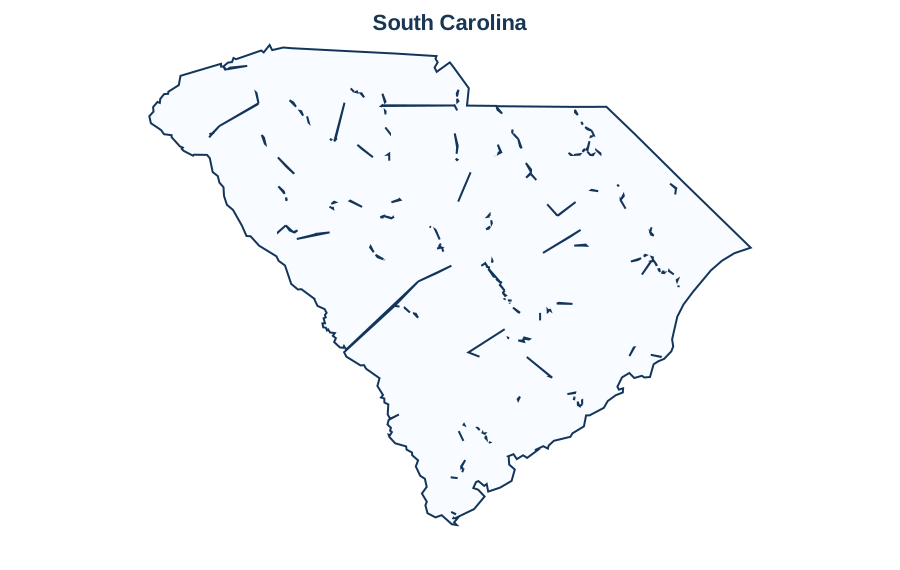
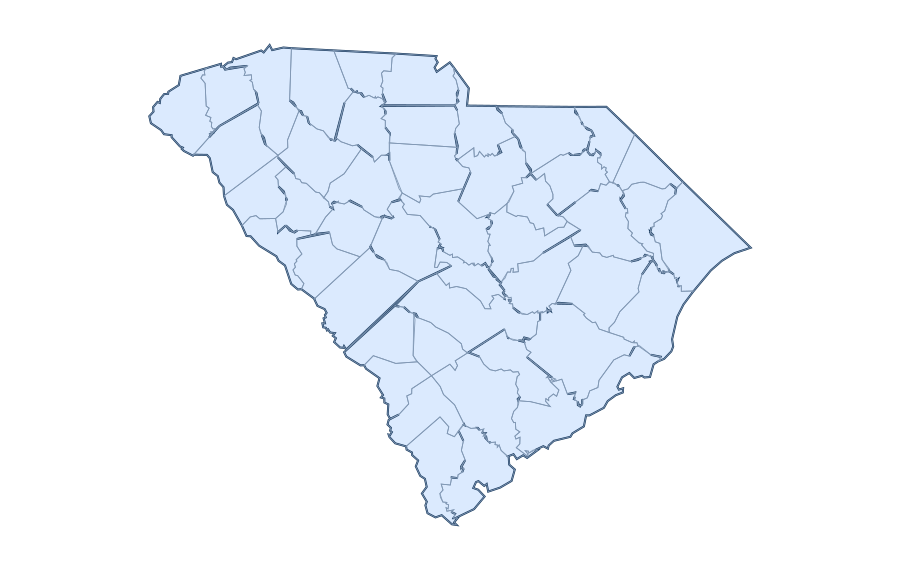
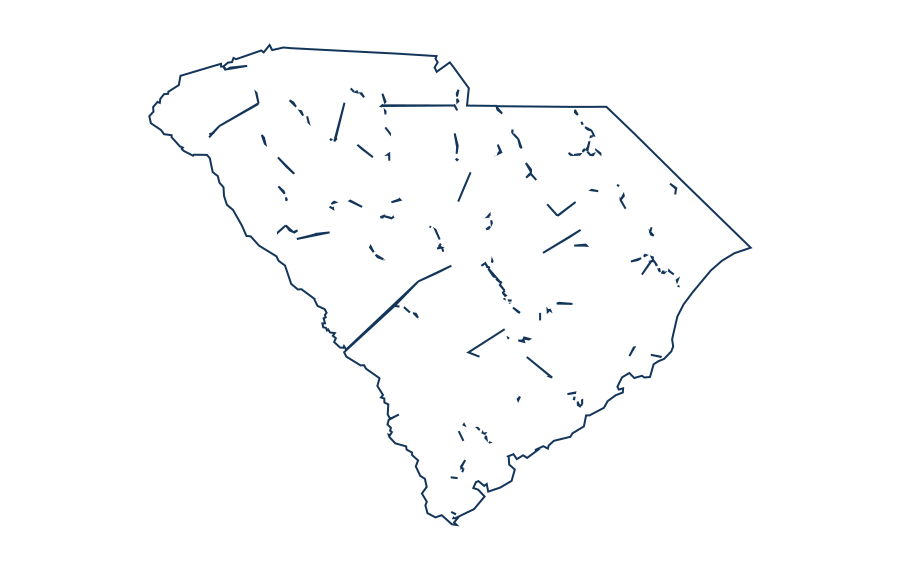
Reference county identification exercise for South Carolina
The bundled state reference includes 46 county or county-equivalent records, each with a five-digit geographic identifier. Examples below are selected from the dataset, not independently verified against the latest TIGER/Line release. Match each record to a labeled county map when teaching local geography.
| County or equivalent | GEOID |
|---|---|
| Abbeville | 45001 |
| Aiken | 45003 |
| Allendale | 45005 |
| Anderson | 45007 |
| Bamberg | 45009 |
| Barnwell | 45011 |
| Beaufort | 45013 |
| Berkeley | 45015 |
| Calhoun | 45017 |
| Charleston | 45019 |
| Cherokee | 45021 |
| Chester | 45023 |
The full county reference is available on South Carolina county map. The table does not establish current administrative boundaries, county seats or populations.
Source year, projection and permissions
The source description supplied with this map is Legacy Basemap UScounties boundaries, source vintage NOT VERIFIED. Projection metadata: not recorded. Boundary vintage has not been independently certified in this release. For context see Natural Earth and US Census TIGER/Line. Use a newer authoritative dataset for legal or administrative decisions.
10 questions about South Carolina
Questions based on search intent and competitor topics; not a verified Google People Also Ask feed.
Where can I get a blank map of South Carolina?
The South Carolina page is organized around an outline-map preview and downloads. The bundled map includes an SVG asset; check the chosen variant before printing.
Is the blank South Carolina map free to download?
The site provides its bundled simplified South Carolina outlines without a subscription. Check the source and licensing notes, especially if reusing data from a third-party map layer.
Can I download a PDF map of South Carolina?
Where a prepared South Carolina PDF exists, choose A4 or US Letter. A browser Print / Save PDF action is different from a dedicated downloadable PDF file; only displayed direct-download buttons represent bundled files.
What is the difference between outline and labeled South Carolina maps?
An outline emphasizes geographical shape. A labeled reference adds names only when label data are actually included; a plain South Carolina outline should not be assumed to show names or internal boundaries.
Can I color individual regions on the South Carolina map?
Only boundaries provided as separate SVG paths can be filled independently. A single exterior shape for South Carolina can be recolored as a whole but does not contain editable administrative subdivisions.
Can I use a South Carolina map for classroom geography worksheets?
Yes, for classroom practice: trace the outline, label known places, compare regions and check names against a current atlas. Do not treat simplified outlines as official legal boundaries.
How do I print the South Carolina outline on A4 or US Letter?
Select the relevant paper-sized PDF where provided. Use landscape or portrait according to the image shape, fit to page, and inspect the preview before printing.
Does the South Carolina map include cities, rivers and internal borders?
Not necessarily. Only layers explicitly listed in the map editor are present. Generalized Natural Earth outlines do not automatically supply verified city, river or administrative-border layers.
How accurate is the outline of South Carolina?
It is a simplified reference map based on geographic source data. Small islands, disputed boundaries and fine coastline details may be generalized; compare it with current authoritative data when precision matters.
Can I edit the South Carolina map as a vector image?
An available SVG is editable in common vector tools. The site may also provide browser coloring for included paths; zoom and editing should be tested on the actual device before relying on an export.
Accuracy note: Check the data source, method, and limitations before relying on any geographic result.